Apple TV can run IPTV through player apps from the App Store. This guide explains how to choose a compatible player, sign in with your PrimaProTV details and fix common issues.
What You Need
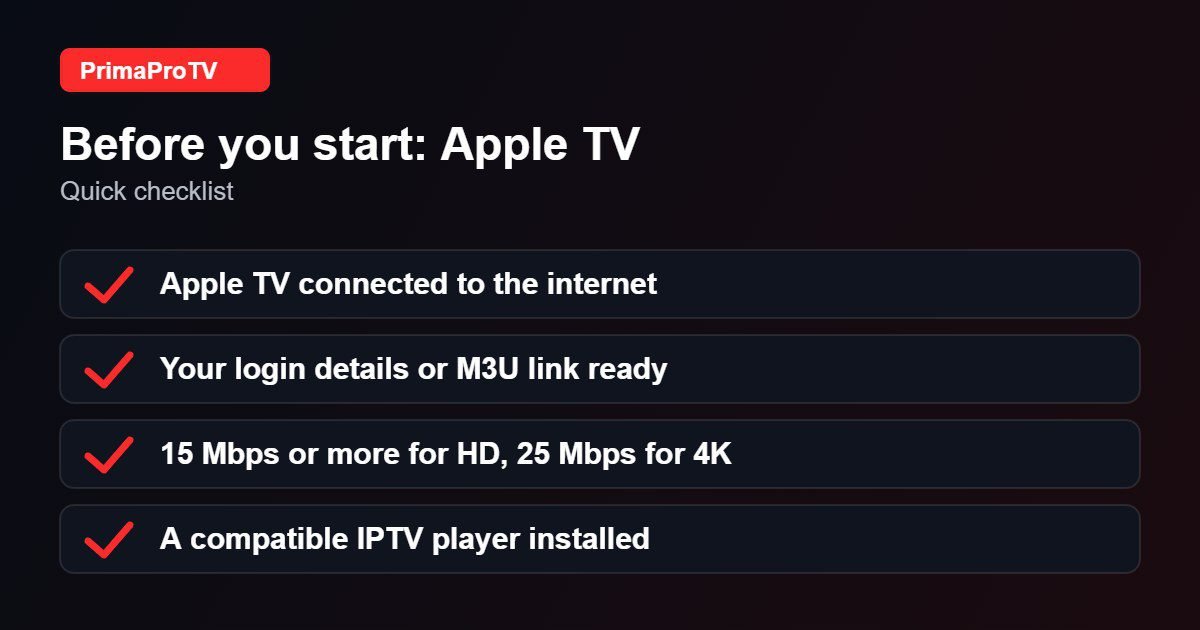
- An Apple TV HD or Apple TV 4K running a current version of tvOS.
- An active PrimaProTV subscription or free trial.
- A stable connection: 15 Mbps or more for HD, 25 Mbps or more for 4K.
Check tvOS and player compatibility. Player availability and requirements change with tvOS versions, so confirm the app lists your version before you install.
Step 1: Install a Player
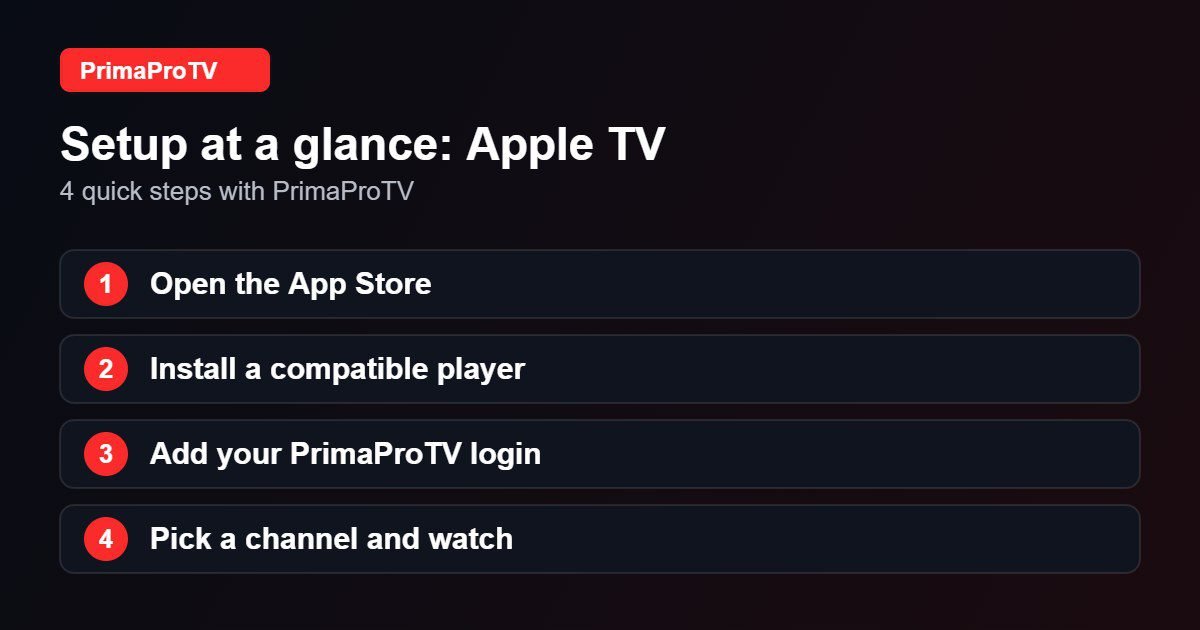
- Open the App Store on your Apple TV.
- Search for an IPTV player that supports Xtream Codes or M3U playlists. See our best IPTV player guide for ideas.
- Select Get and wait for the installation to finish.
Step 2: Add Your Account
- Open the player and choose to add a playlist or Xtream login.
- Enter your username, password and server URL, or the M3U link from your welcome email.
- Save and wait for channels to load.
Tip: some players let you enter details from your iPhone through a companion page or Keyboard Continuity, which is much quicker than the remote.
Step 3: Start Watching
Use the Siri Remote to browse categories, add favorites and open the TV guide.
Watch: Apple TV 4K beginners guide
This third-party video is a general walkthrough for your device and is not made by PrimaProTV. Your own screens may look slightly different depending on your model and software version.
Tips
- Use Ethernet for the most stable stream.
- Restart the Apple TV from Settings, System, Restart if playback stutters.
- Set Match Frame Rate and Match Dynamic Range in Video settings if your player supports them.
Troubleshooting
Login error
Re-enter your details carefully and check for spaces. See our authorization error guide.
Buffering
Test your internet speed and switch to a cable if possible.
Playlist will not load
Remove and re-add the account, and confirm the server URL is correct.
FAQ
Is there an official PrimaProTV app for Apple TV?
You use a compatible third-party player with your account details. Ask support if you want a recommendation for your tvOS version.
Can I use my iPhone as a keyboard?
Yes, the Apple TV Remote on iPhone makes typing long addresses easier.
Ready to Start?
Begin with a free trial and contact support if you need help.