
Watching IPTV on a Windows computer is simple with the right desktop player. This guide shows two easy methods and how to fix common problems.
What You Need
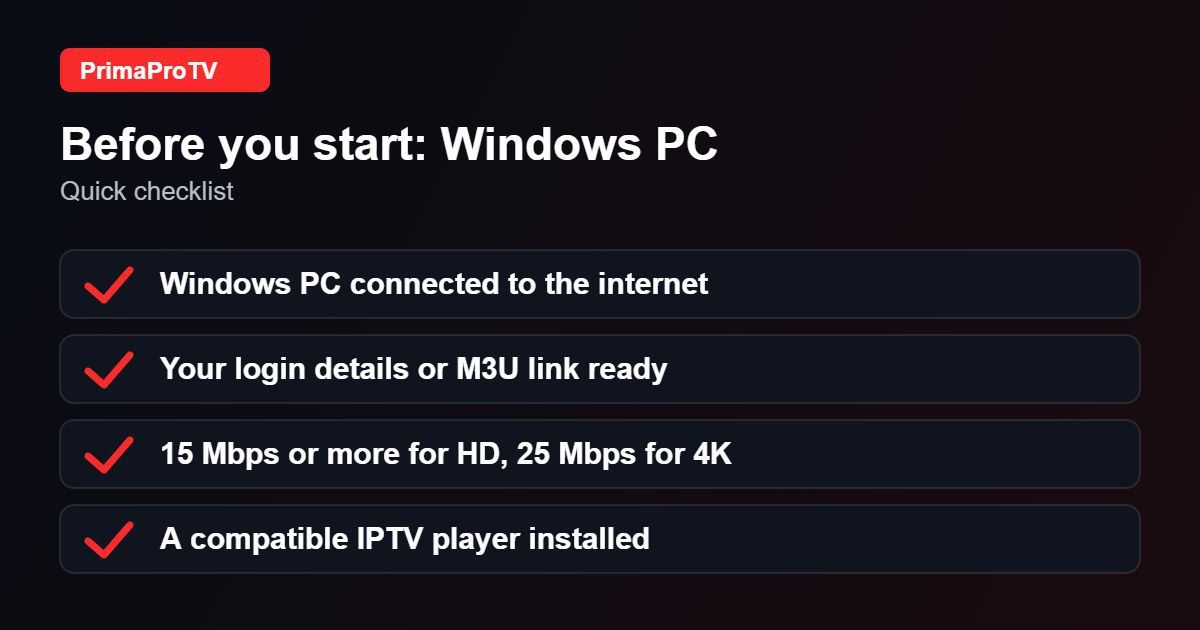
- A Windows 10 or Windows 11 PC or laptop.
- An active PrimaProTV subscription or free trial.
- Your username, password and server URL, or M3U link.
Method 1: Use an IPTV Player App
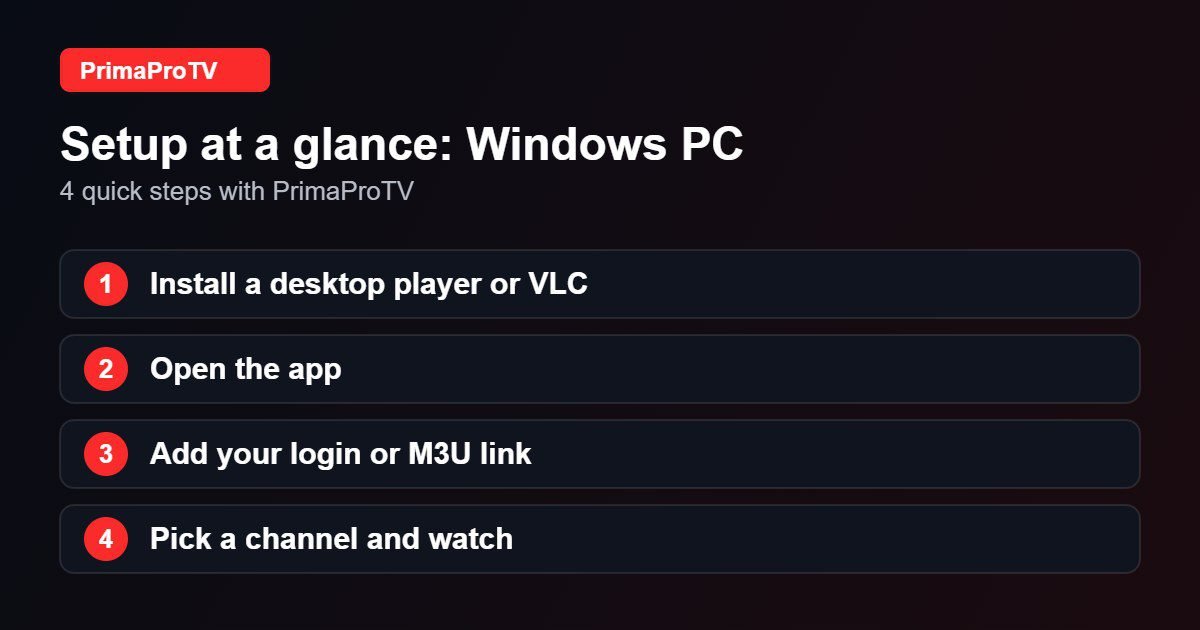
- Open the Microsoft Store or visit the player’s official site and install a compatible desktop IPTV player. See our player guide for options.
- Open the app and choose the Xtream Codes login or playlist option.
- Enter your username, password and server URL, or paste your M3U link.
- Wait for channels to load, then pick a category and start watching.
Method 2: Use VLC With an M3U Link
- Install VLC media player from its official website.
- Open VLC and select Media, then Open Network Stream.
- Paste your M3U link and press Play.
- Open the playlist view (Ctrl+L) to choose a channel.
VLC is simple but has no TV guide, so a dedicated IPTV player is better for daily use.
Watch: How to install VLC on Windows 11
This third-party video is a general walkthrough for your device and is not made by PrimaProTV. Your own screens may look slightly different depending on your model and software version.
Tips
- Use a wired connection or 5 GHz Wi-Fi.
- Update your graphics drivers for smoother playback.
- Download apps only from official sources.
Troubleshooting
Login failed
Check your details and read our authorization guide.
Choppy video
Close heavy programs, test your speed and update the player.
No sound
Check the output device in Windows sound settings and in the player.
FAQ
Can I cast the PC to my TV?
Yes, use an HDMI cable or a wireless display feature in Windows.
Ready to Start?
Start with a free trial on your PC.


