The Nvidia Shield TV runs Android TV, which makes IPTV setup simple and gives you powerful hardware for smooth HD and 4K playback. Here is how to get started.
What You Need
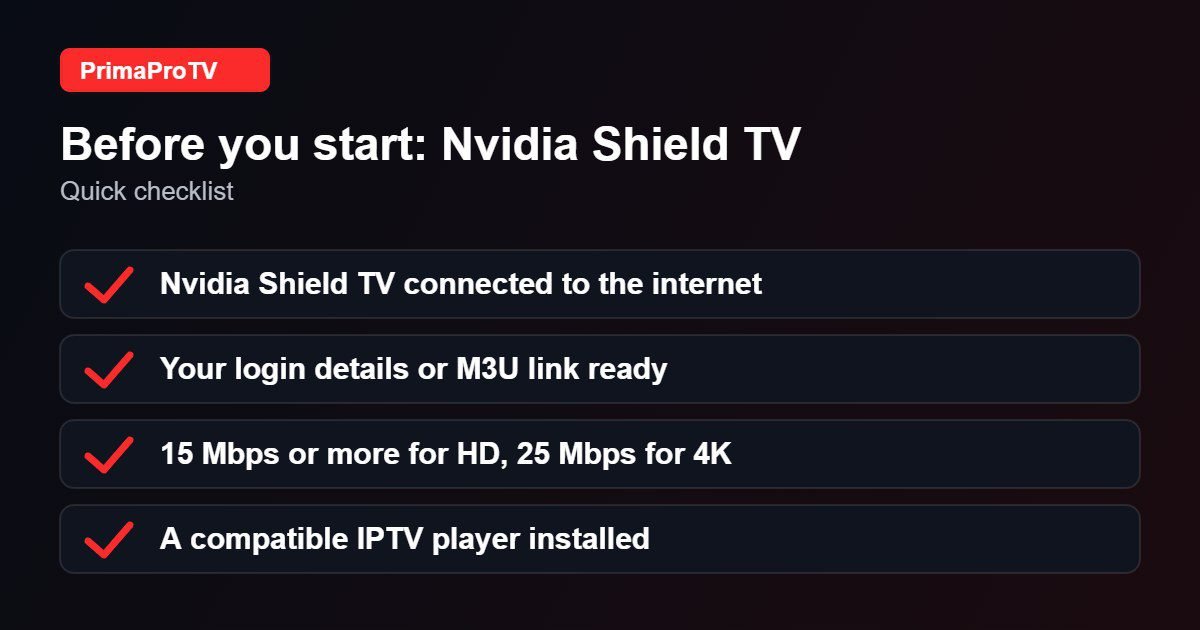
- An Nvidia Shield TV or Shield TV Pro connected to your TV and the internet.
- An active PrimaProTV subscription or free trial.
- Your username, password and server URL, or M3U link.
Check player availability. Make sure your Shield software is up to date so current player apps are available in the Play Store.
Step 1: Install a Player
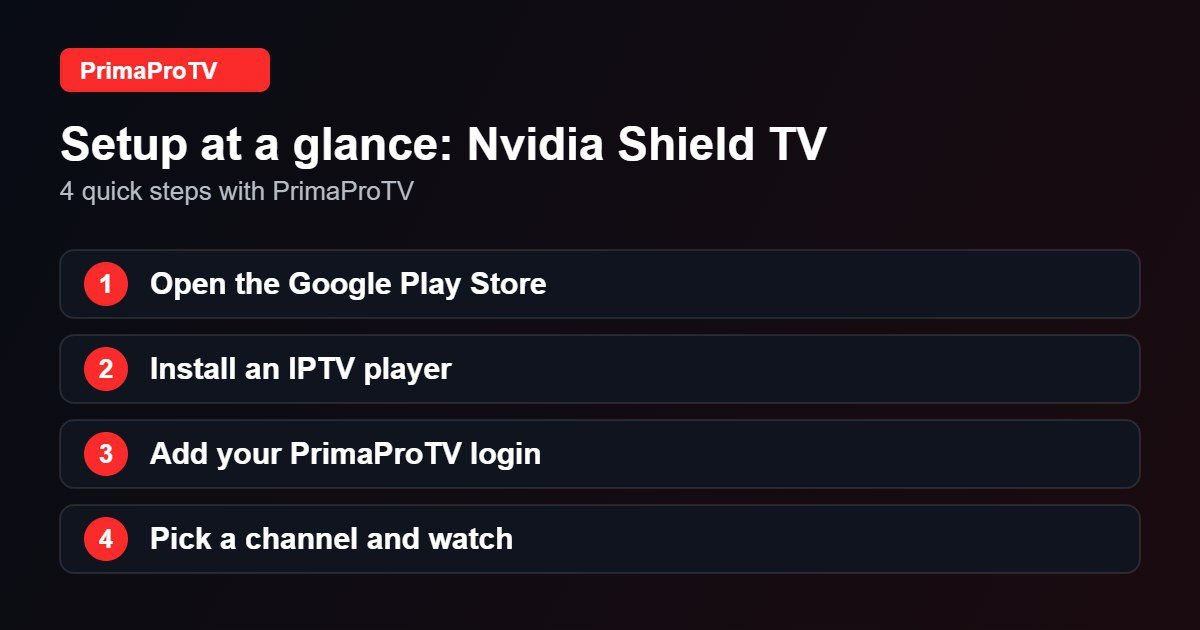
- Open the Google Play Store from the Shield home screen.
- Search for an IPTV player. Our best IPTV player guide can help you choose.
- Select Install, then Open.
Step 2: Add Your Account
- Select the Xtream Codes login or playlist option.
- Enter your details exactly as in your welcome email.
- Wait for channels to load, then open Live TV, Movies or Series.
You can also plug in a USB keyboard or use the Google TV app on your phone for faster typing.
Watch: NVIDIA SHIELD quick start guide
This third-party video is a general walkthrough for your device and is not made by PrimaProTV. Your own screens may look slightly different depending on your model and software version.
Tips
- Use the Ethernet port for the most stable connection.
- Enable automatic frame rate matching in Display and Sound settings if your player supports it.
- Restart the Shield from Settings, Device Preferences, About, Restart if the app misbehaves.
Troubleshooting
Login failed
Check for typos and see our authorization guide.
Buffering
Use a cable, test your speed and close other apps.
Playlist empty
Remove and re-add the account and confirm the server URL.
FAQ
Is the Shield good for IPTV?
Yes. Its processor and Ethernet port make it a strong choice for large channel lists and 4K streams.
Ready to Start?
Try a free trial on your Shield today.


