
Samsung Smart TVs run the Tizen operating system, and IPTV works through player apps available in the Samsung app store. This guide helps you check compatibility, install a player and sign in.
What You Need
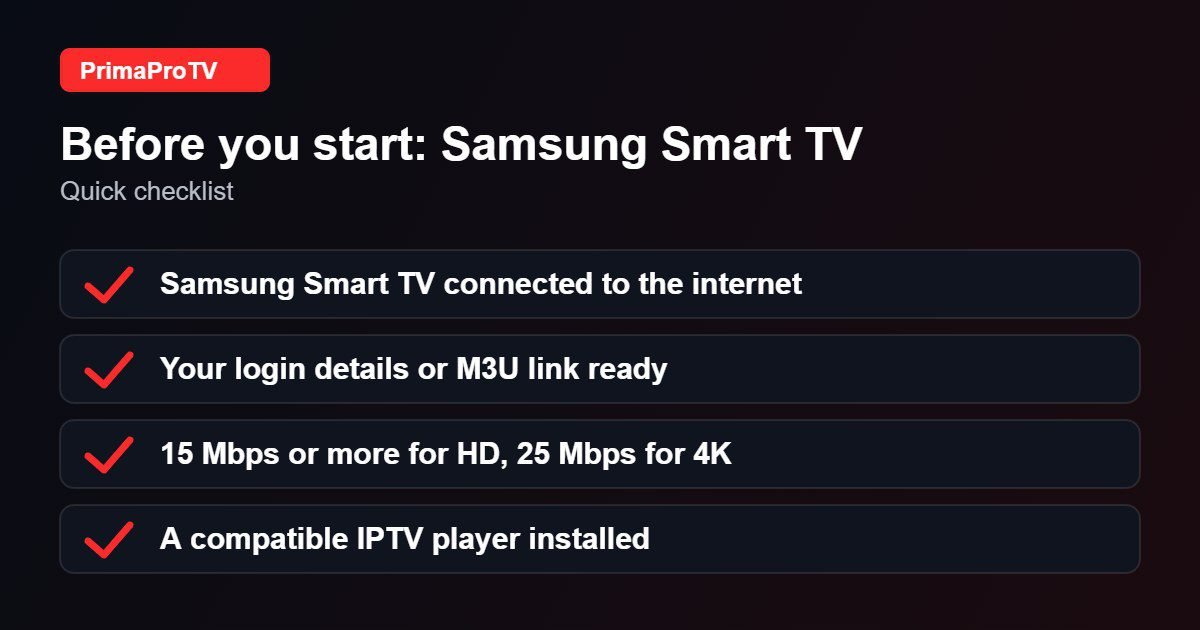
- A Samsung Smart TV connected to your home network.
- An active PrimaProTV subscription or free trial.
- Your username, password and server URL, or an M3U link.
Check your model year and region. App availability depends on your TV’s model year and your country’s app store. If no suitable player appears, ask support for the best alternative, such as a Fire TV Stick or Android TV box plugged into the TV.
Step 1: Install a Player
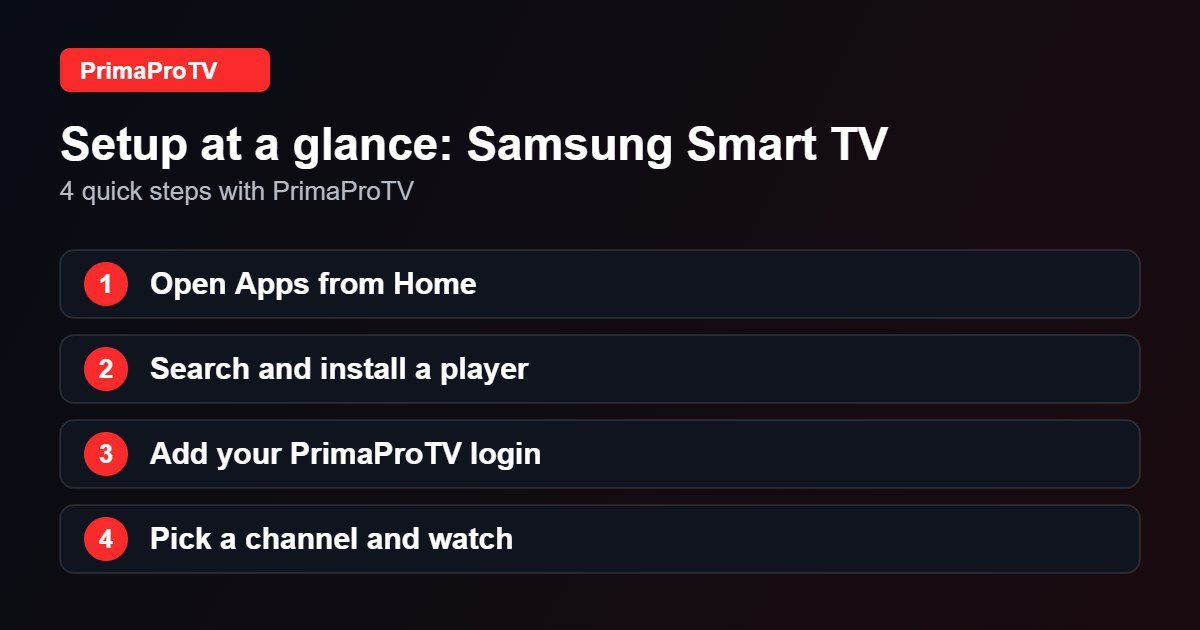
- Press Home on your remote and open Apps.
- Select the search icon and type the name of an IPTV player.
- Choose the app, then Install.
- Open it once installation finishes.
Step 2: Add Your Account
- Follow the player’s instructions to add a playlist or Xtream login.
- Enter your details exactly as received.
- Wait for channels to load, then browse Live TV, Movies and Series.
Some Samsung players give you a code or address to enter on your computer, which is faster than typing with the remote.
Watch: How to install apps on a Samsung TV
This third-party video is a general walkthrough for your device and is not made by PrimaProTV. Your own screens may look slightly different depending on your model and software version.
Tips
- Connect by Ethernet if your TV has a port.
- Update the TV software under Settings, Support, Software Update.
- Close other apps if the TV runs out of memory.
Troubleshooting
Player not found
Your model year or region may not include it. Try another player or use an external streaming device.
Buffering
Check speed, use a cable and restart the TV.
Login failed
Check for typos, then see our authorization guide.
FAQ
Does PrimaProTV work on every Samsung TV?
Compatibility depends on the TV and the player available. Ask support to confirm your model.
Ready to Start?
Test on your own TV with a free trial.


