
LG Smart TVs use webOS, and IPTV works through player apps in the LG Content Store. Follow these steps to check compatibility, install a player and add your PrimaProTV account.
What You Need
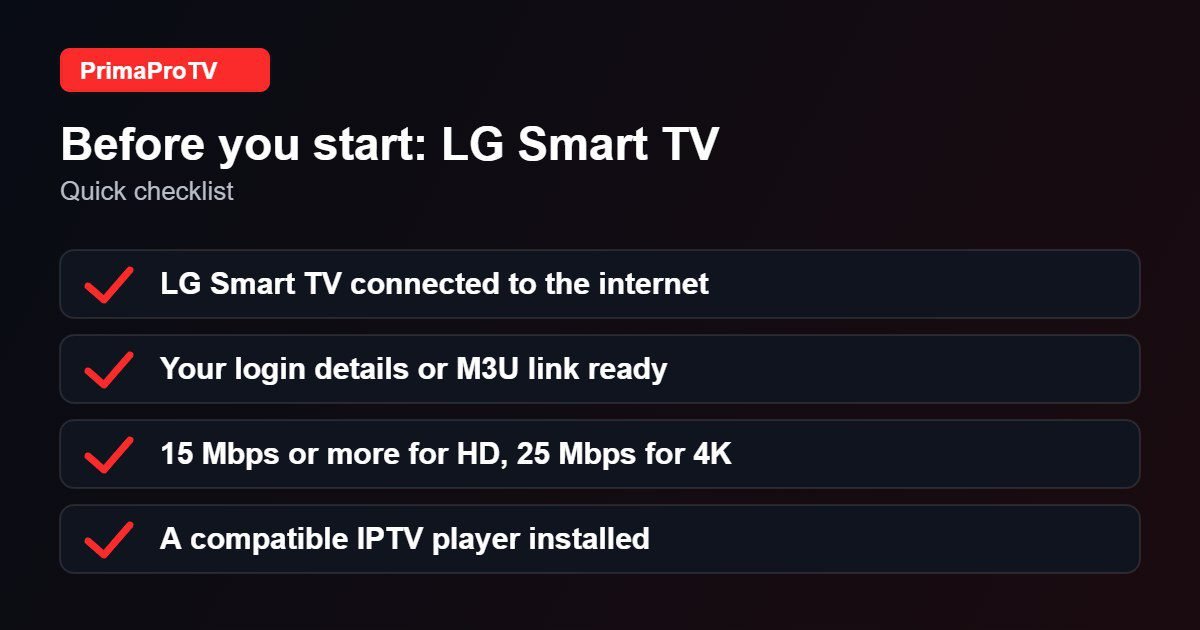
- An LG Smart TV connected to the internet.
- An active PrimaProTV subscription or free trial.
- Your username, password and server URL, or M3U link.
Check your webOS version. Open Settings, General, About This TV to see it. Older versions may not offer the latest players. If nothing suitable is available, use an external device such as a Fire TV Stick.
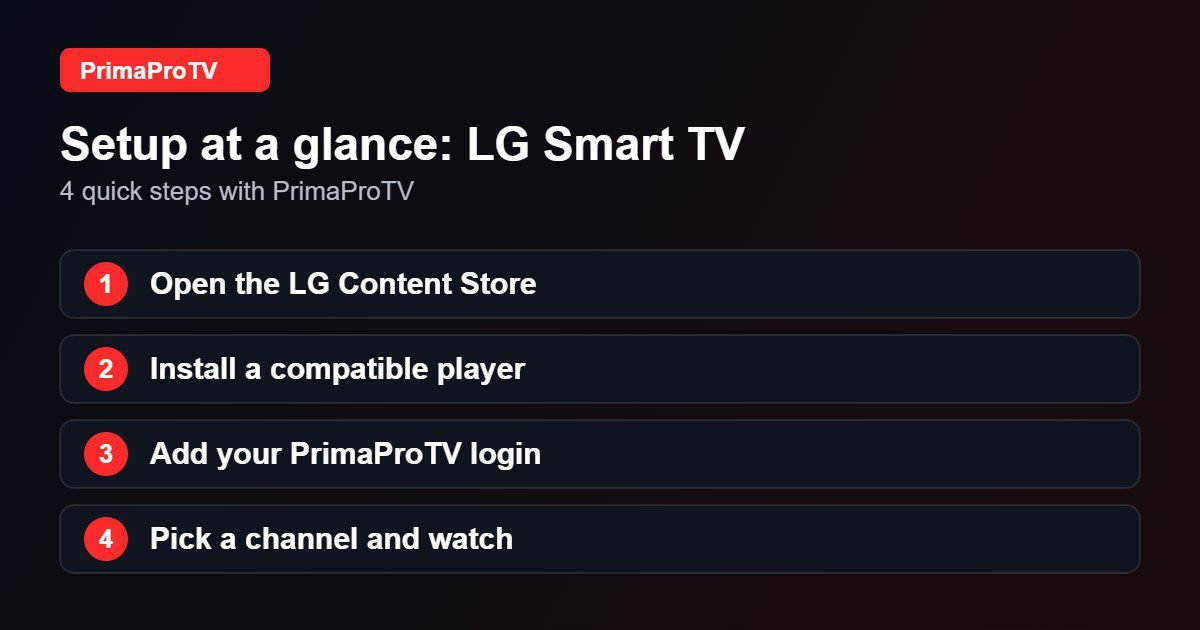
Step 1: Install a Player
- Press Home and open the LG Content Store.
- Search for an IPTV player compatible with your webOS version.
- Select Install and then Launch.
Step 2: Add Your Account
- Choose to add a playlist or Xtream login in the player.
- Enter your details exactly as in your welcome email.
- Wait for the list to load and start browsing.
Watch: How to install apps on an LG TV
This third-party video is a general walkthrough for your device and is not made by PrimaProTV. Your own screens may look slightly different depending on your model and software version.
Tips
- Use the LG ThinQ app on your phone as a keyboard.
- Update webOS under Settings, General, About This TV, Check for Updates.
- Use a wired connection for best stability.
Troubleshooting
Player missing
Your webOS version or region may not support it. Try another player or an external device.
Buffering
Test your connection speed and restart the TV.
Login failed
Check your details, then read our authorization guide.
FAQ
Will it work on my LG TV?
It depends on webOS version and player availability. Ask support to confirm before paying.
Ready to Start?
Try a free trial on your LG TV today.


