
Your iPhone or iPad is a convenient way to watch IPTV anywhere in your home. This guide shows how to install a player, add your PrimaProTV account and keep playback smooth.
What You Need
- An iPhone or iPad with a current version of iOS or iPadOS.
- An active PrimaProTV subscription or free trial.
- Your username, password and server URL, or M3U link.
Check your iOS version and app requirements. Each player lists the minimum iOS version it needs on its App Store page.
Step 1: Install a Player
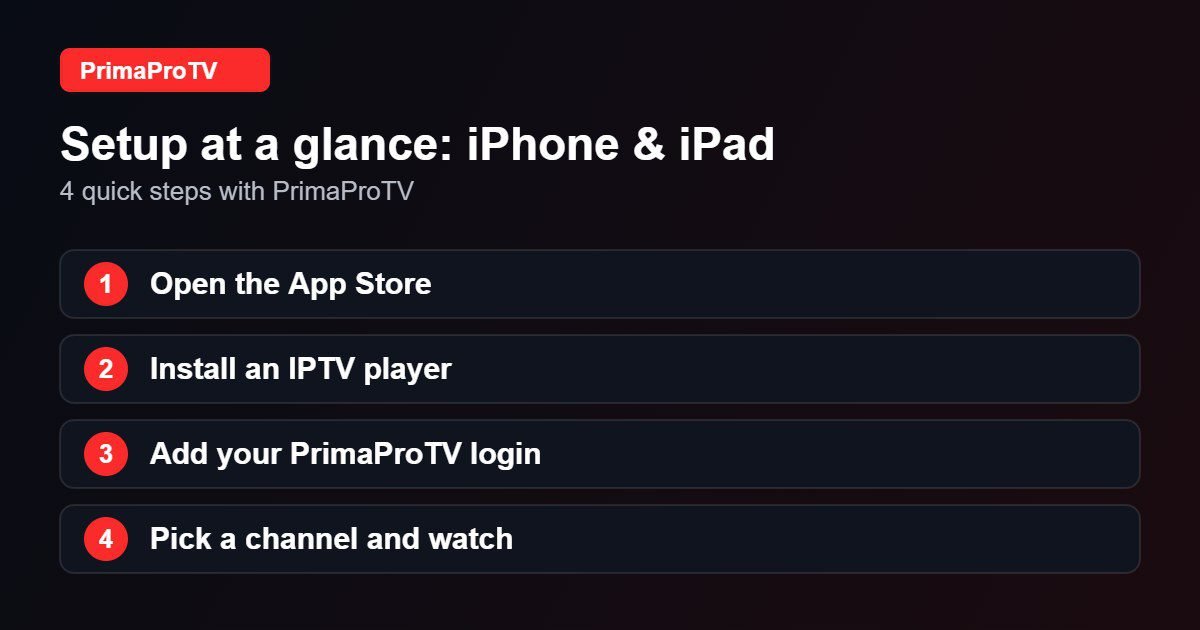
- Open the App Store.
- Search for an IPTV player that supports Xtream Codes or M3U. See our player guide for ideas.
- Tap Get and open the app.
Step 2: Add Your Account
- Choose the Xtream login or playlist option.
- Enter your details, or paste the M3U link from your email.
- Save and wait for the list to load.
Copy and paste your details from your email instead of typing to avoid mistakes.
Step 3: Watch
Browse categories, add favorites and use the guide. Many players support AirPlay so you can send the stream to an Apple TV or compatible TV.
Watch: How to install apps on iPhone
This third-party video is a general walkthrough for your device and is not made by PrimaProTV. Your own screens may look slightly different depending on your model and software version.
Tips
- Use Wi-Fi at home to save mobile data.
- Close background apps if playback stutters.
- Keep iOS and the app updated.
Troubleshooting
Login failed
Check for spaces and typos, then see our authorization guide.
Buffering
Move closer to the router and test your speed.
FAQ
Can I watch on mobile data?
Yes, but streaming uses a lot of data, so Wi-Fi is recommended.
Ready to Start?
Try a free trial on your iPhone or iPad.


