Macs handle IPTV well once you pick a compatible player. This guide covers two simple methods and how to solve common issues.
What You Need
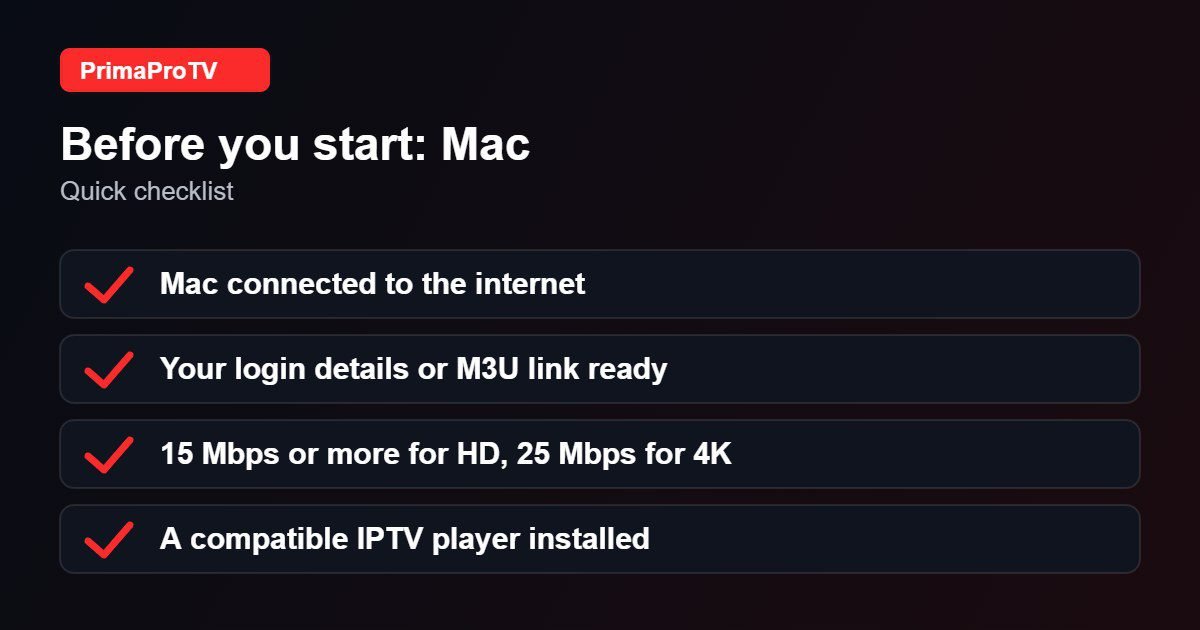
- A Mac running a current version of macOS.
- An active PrimaProTV subscription or free trial.
- Your username, password and server URL, or M3U link.
Check your macOS version and player. Each player lists its minimum macOS requirement.
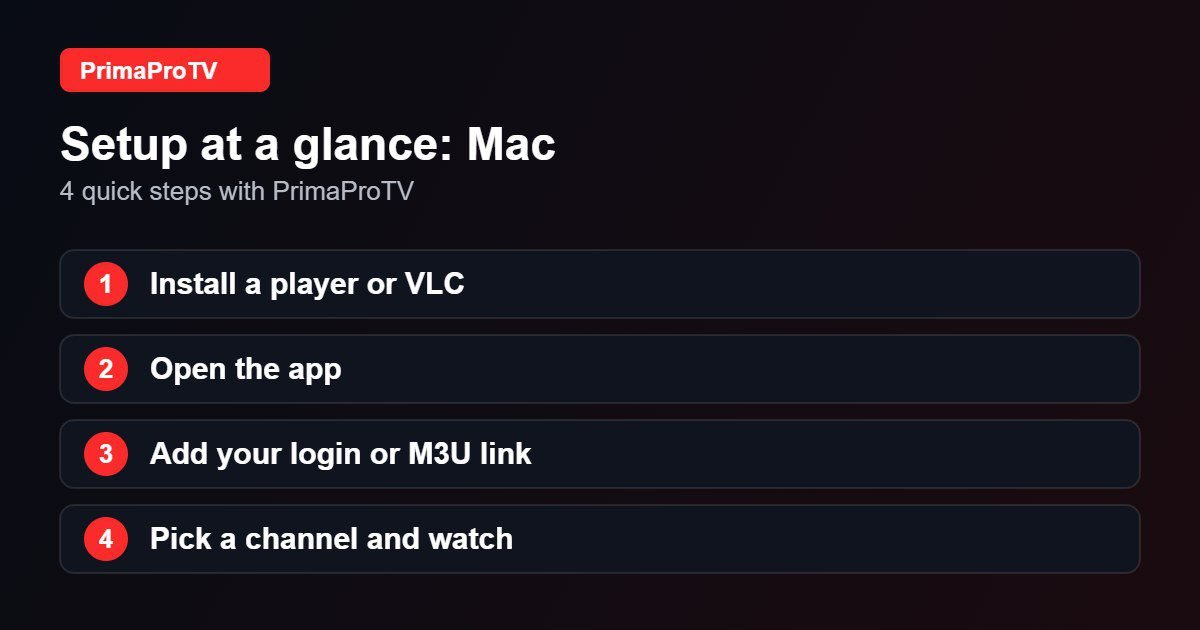
Method 1: IPTV Player App
- Install a compatible IPTV player from the Mac App Store or the developer’s official website. See our player guide.
- Open the app and choose the Xtream or playlist option.
- Enter your account details or paste your M3U link.
- Wait for channels to load and start watching.
Method 2: VLC With an M3U Link
- Install VLC from its official website.
- Choose File, then Open Network.
- Paste your M3U link and click Open.
- Open the playlist window to select channels.
VLC lacks a TV guide, so a dedicated player is better for daily use.
Watch: How to install VLC on a Mac
This third-party video is a general walkthrough for your device and is not made by PrimaProTV. Your own screens may look slightly different depending on your model and software version.
Tips
- Use Wi-Fi 5 GHz or Ethernet via an adapter.
- Use AirPlay to send the stream to a TV.
- Keep macOS and the player updated.
Troubleshooting
App blocked from opening
If macOS blocks an app from the developer’s site, review the warning carefully and only allow apps from sources you trust under System Settings, Privacy and Security.
Login failed
Check your details and read our authorization guide.
Choppy playback
Close heavy apps, test your speed and update the player.
FAQ
Can I use my Mac with a TV?
Yes, with an HDMI adapter or AirPlay.
Ready to Start?
Begin with a free trial on your Mac.