Android TV is one of the easiest platforms for IPTV because most players are available directly in the Google Play Store. This guide shows you how to install a player, sign in with your PrimaProTV details and get the best picture quality.
What You Need
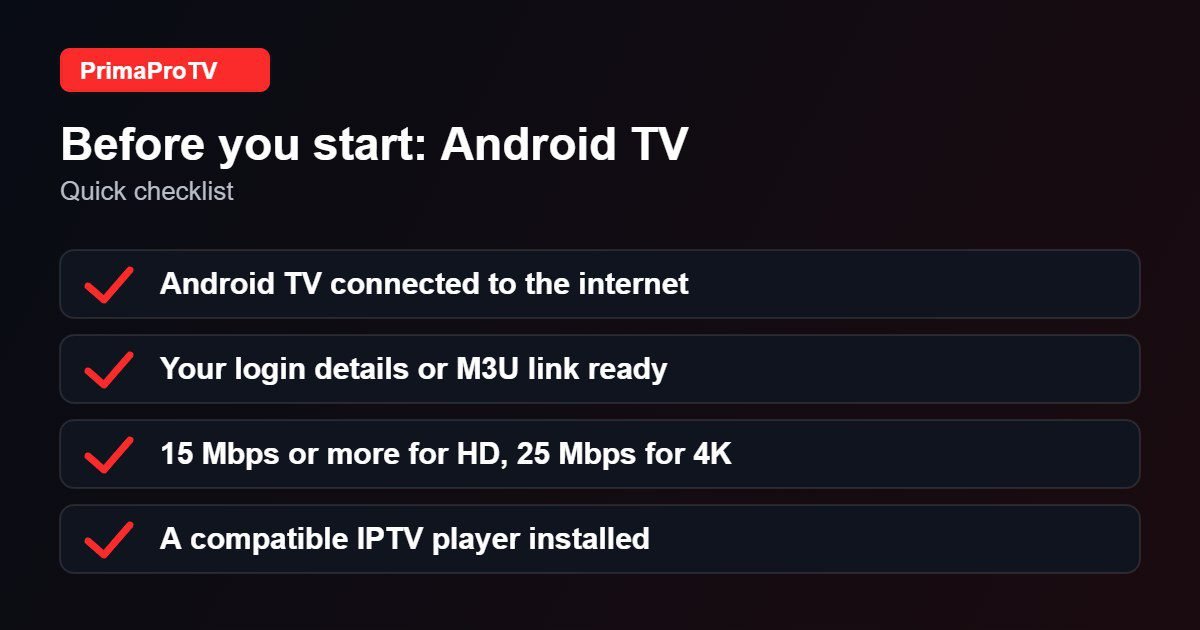
- A TV or box running Android TV or Google TV, connected to the internet.
- An active PrimaProTV subscription or free trial with your username, password and server URL (or M3U link).
- At least 15 Mbps for HD and 25 Mbps for 4K.
Check player availability first. Very old Android versions may not support the latest player apps. If you are unsure, ask support to confirm your device before paying.
Step 1: Install an IPTV Player
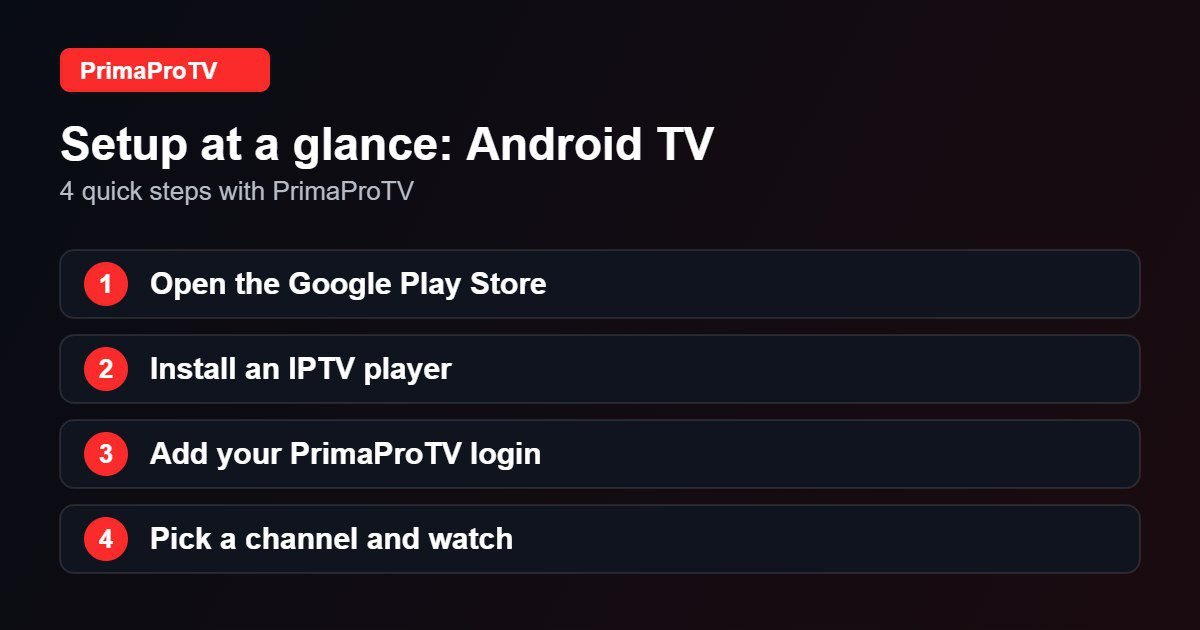
- Open the Google Play Store on your TV.
- Search for an IPTV player such as IPTV Smarters Pro or another player from our list of the best IPTV players.
- Select Install and wait for the download to finish.
- Open the app from your apps row.
Step 2: Add Your PrimaProTV Account
- Choose Login with Xtream Codes API, or add a playlist URL if you received an M3U link.
- Enter a name, your username, password and server URL exactly as sent to you.
- Confirm and wait while the channel list loads.
Tip: type long addresses with the Google TV remote app on your phone to avoid mistakes.
Step 3: Start Watching
Open Live TV, Movies or Series, choose a category and select a channel. Add favorites and use the TV guide to see what is on next.
Watch: Android TV setup walkthrough
This third-party video is a general walkthrough for your device and is not made by PrimaProTV. Your own screens may look slightly different depending on your model and software version.
Tips for Smooth Streaming
- Use Ethernet or 5 GHz Wi-Fi to reduce buffering.
- Clear the app cache in Settings, Apps if the list loads slowly.
- Keep Android TV updated under Settings, Device Preferences, System update.
Troubleshooting
Login failed or unauthorized
Check for typos or extra spaces. See our guide to fixing the authorization error.
Buffering or freezing
Run a speed test, move closer to the router or use a cable. Close other streaming apps.
Empty channel list
Remove the account and add it again. Make sure the TV date and time are set automatically.
FAQ
Which IPTV player is best on Android TV?
It depends on your taste. Pick a player with a clean TV guide and favorites, and test it with our free trial.
Does it work on Google TV?
Yes. Google TV is built on Android TV, and the steps are the same.
Can I watch on several screens?
The number of connections depends on your plan. Ask support if you need more than one screen.
Ready to Start?
Try a free trial on your Android TV, and contact our support team if you need help during setup.