
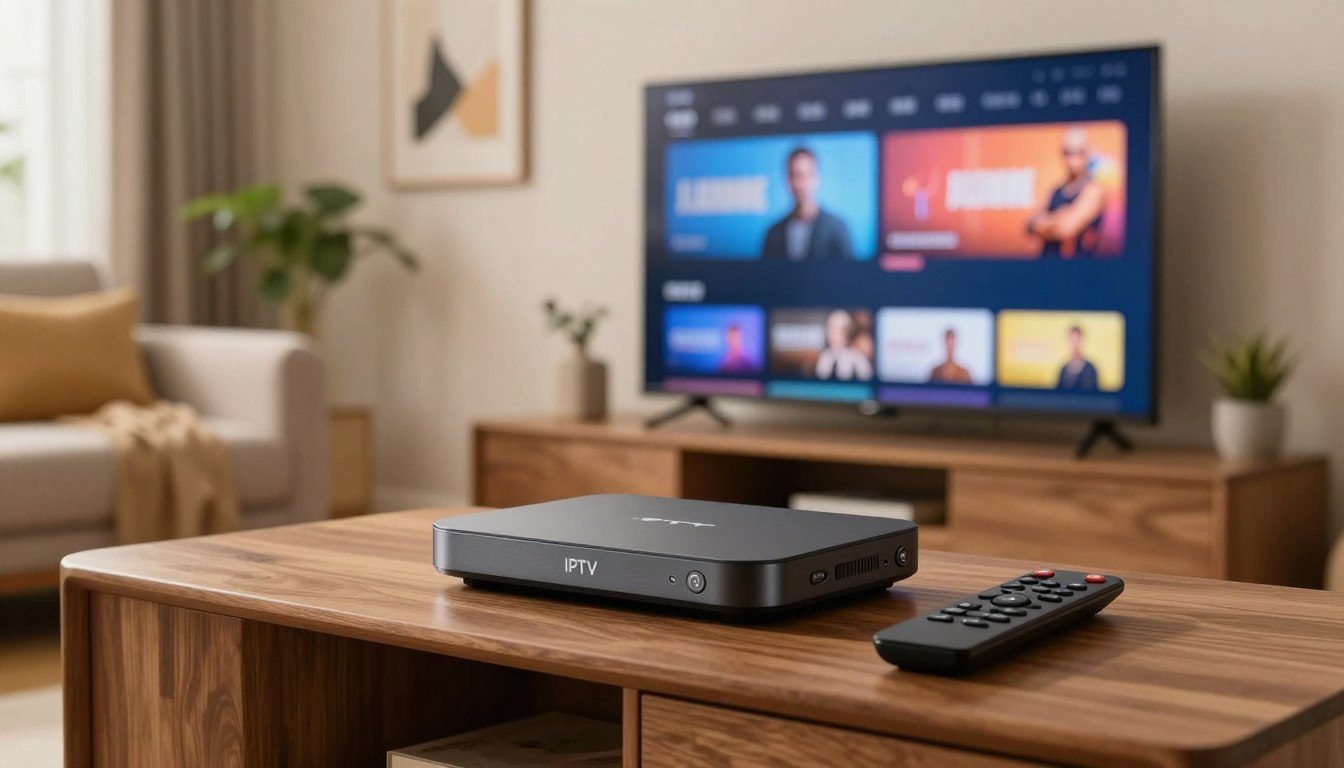
An IPTV encoder is a device or software that converts a live video source, such as an HDMI camera feed, a satellite receiver, or a cable box, into a compressed digital stream that can travel over an IP network. Without an encoder, there is nothing for an IPTV server, app, or smart TV to play. With the right one, you can send crisp live video to every screen in a home, hotel, gym, church, or office.
This guide explains how an IPTV encoder works, the difference between hardware and software encoders, which codec and protocol to pick, and how to set one up. If you are new to the technology, start with our guide to legal IPTV streaming in the United States, then come back here for the technical side.
General information only. Only encode and distribute content you own or have the right to broadcast.
What Is an IPTV Encoder?
Raw video is enormous. A single uncompressed 1080p signal can exceed 1.5 Gbps, far more than a normal network can carry. An IPTV encoder compresses that signal with a codec such as H.264 or H.265, packages it into a transport format, and sends it out as IP packets. Everything the viewer sees on an IPTV service starts with this step.
In practice, an encoder does four jobs:
- Captures video and audio from an input such as HDMI, SDI, composite, or an IP camera.
- Compresses the signal with a video codec and an audio codec such as AAC.
- Packages the stream into a format such as MPEG-TS, RTMP, SRT, or HLS.
- Sends it to a media server, CDN, or directly to players on your network.
How an IPTV Encoder Works

The signal path is simple. A source feeds the encoder. The encoder outputs a stream. A streaming server or middleware distributes that stream to apps on Fire TV, Android TV, Apple TV, Samsung, LG, and mobile devices. If you are choosing playback apps for the last step, see our list of the best IPTV player in 2026.
Hardware vs Software IPTV Encoders
The first decision is whether to buy a dedicated box or run software on a computer. According to Wowza’s encoder testing, GPU-based hardware encoding used roughly 10 to 30 percent CPU, compared with 40 to 50 percent for the x264 software encoder, while matching or slightly beating its quality.
| Feature | Hardware encoder | Software encoder |
|---|---|---|
| Examples | HDMI-to-IP boxes, rack encoders | OBS Studio, FFmpeg, vMix |
| Reliability | Very high, built for 24/7 use | Depends on the PC and OS |
| Setup | Web interface, plug and play | More configuration |
| Cost | Higher upfront | Free to low cost |
| Flexibility | Limited to the box’s features | Very flexible and scriptable |
| Best for | Always-on channels, hotels, venues | Testing, events, small setups |
As a rule, choose hardware for a channel that must run around the clock, and software when you want flexibility or are still testing. OBS Studio and FFmpeg are the most common free options.
H.264 vs H.265: Which Codec Should You Choose?
H.264 (AVC) plays on almost every device made in the last decade. H.265 (HEVC) delivers similar quality at a noticeably lower bitrate, which helps with 4K or with limited bandwidth, but some older TVs and boxes cannot decode it.
| Codec | Compatibility | Bandwidth | Best for |
|---|---|---|---|
| H.264 (AVC) | Excellent | Higher | HD channels, mixed device fleets |
| H.265 (HEVC) | Good on newer devices | Lower | 4K, limited bandwidth |
Typical starting points are about 4 to 6 Mbps for 1080p30 in H.264 and roughly 15 to 25 Mbps for 4K in H.265. Treat these as ranges to test, not fixed rules.
Streaming Protocols an IPTV Encoder Supports
The protocol decides how your stream travels. Most modern encoders support several of these:
- UDP / RTP multicast: the classic choice inside a managed local network, with low latency.
- MPEG-TS over HTTP or SRT: a popular transport for IPTV headends. See MPEG transport stream.
- RTMP: a long-standing ingest protocol to media servers. See RTMP.
- SRT: built to handle packet loss over the public internet. Learn more from the SRT Alliance.
- HLS: the adaptive format most apps and smart TVs play. See HTTP Live Streaming.
Watch: IPTV Encoder Setup Tutorials
These videos show real encoder setups from start to finish. They are third-party tutorials for specific products, so your menus may differ.
How to Set Up an IPTV Encoder (Step by Step)
- Connect the source. Plug your HDMI or SDI source into the encoder’s input.
- Connect to the network. Use Ethernet where possible. Wi-Fi adds jitter that hurts live video.
- Open the web interface. Find the encoder’s IP address and log in with the admin credentials from the manual.
- Choose codec and resolution. Start with H.264, 1080p, and a bitrate around 4 to 6 Mbps.
- Select the output protocol. Pick UDP, SRT, RTMP, or HLS based on your server or player.
- Enter the destination. Add the server address or multicast group.
- Test playback. Open the stream in a player app on a TV or phone and check audio sync and stability.
- Secure it. Change default passwords and update firmware.
How to Choose the Right IPTV Encoder
- Inputs. Match HDMI, SDI, or composite to your equipment.
- Number of channels. Single-channel boxes suit one feed; multi-channel units suit a full headend.
- Codec support. Look for H.264 at minimum and H.265 for 4K.
- Protocol support. Confirm it outputs what your server expects.
- HDCP. Encoders cannot legally capture protected sources in most cases, so plan around content you have rights to.
- Latency and reliability. Check for 24/7 operation, watchdog features, and firmware updates.
- Budget. Compare total cost, including power, cooling, and support.
Common IPTV Encoder Problems and Fixes
- Buffering or freezing: lower the bitrate, use wired Ethernet, or switch to SRT for lossy links.
- No audio: check the audio input mapping and make sure the codec is AAC.
- Green or blocky picture: raise the bitrate or reduce resolution and frame rate.
- Stream will not play on some TVs: switch from H.265 to H.264 or use HLS.
- Audio out of sync: adjust the audio delay setting or fix the source frame rate.
Playback trouble on the viewer side is often a device issue rather than an encoder issue. Our best streaming device guide and Smart IPTV guide help you rule that out.
Is Using an IPTV Encoder Legal?
Yes. An encoder is neutral technology, like a camera or a router. It is legal to encode and stream your own content, licensed feeds, security cameras, and in-house channels. Rebroadcasting copyrighted channels you have no license for is not legal, whatever equipment you use. If you only want to watch live TV rather than build a headend, a licensed service is the simpler route: compare options in our best IPTV service in the USA guide, see realistic prices in our IPTV subscription cost breakdown, and test quality with a free IPTV trial. For broader options, read our roundup of the best streaming services in the US.
Final Thoughts
The right IPTV encoder depends on your source, your network, and how reliable the stream needs to be. Choose hardware for always-on channels, software for flexibility, H.264 for compatibility, and H.265 when bandwidth matters. Test with a real player before you roll it out to every screen.
FAQs
What is an IPTV encoder?
An IPTV encoder converts a live video source into a compressed IP stream that servers and players can deliver over a network.
What is the difference between an IPTV encoder and a decoder?
An encoder compresses and sends video onto the network. A decoder, such as a set-top box or TV app, receives the stream and turns it back into a picture.
Do I need an IPTV encoder to watch IPTV at home?
No. Viewers only need a player app or box. Encoders are for people who create or distribute their own streams.
Is a hardware or software IPTV encoder better?
Hardware is better for 24/7 reliability. Software such as OBS or FFmpeg is better for flexibility and low cost.
Which codec should I use, H.264 or H.265?
Use H.264 for maximum compatibility and H.265 when you need 4K or lower bandwidth, provided your devices can decode it.
How much bandwidth does an IPTV encoder use?
As a rough guide, 1080p in H.264 often runs around 4 to 6 Mbps per stream, and 4K in H.265 around 15 to 25 Mbps. Actual needs vary by content.
Can an IPTV encoder record protected content?
Protected sources use HDCP, and capturing content without rights to it can break copyright law. Use encoders only with content you are licensed to distribute.


